How To Configure Log Settings And Fetch Reports
This page helps to th configuration of log settings and also helps in fetching the reports from the HySecure Management console.
Steps
-
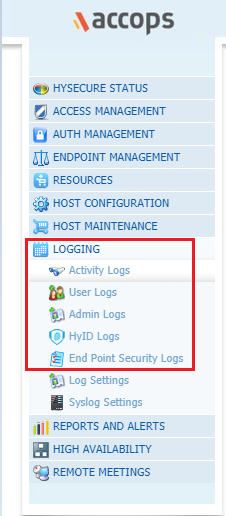
Log into HySecure management console with Security Officer User. Navigate to the Logging Tab
-
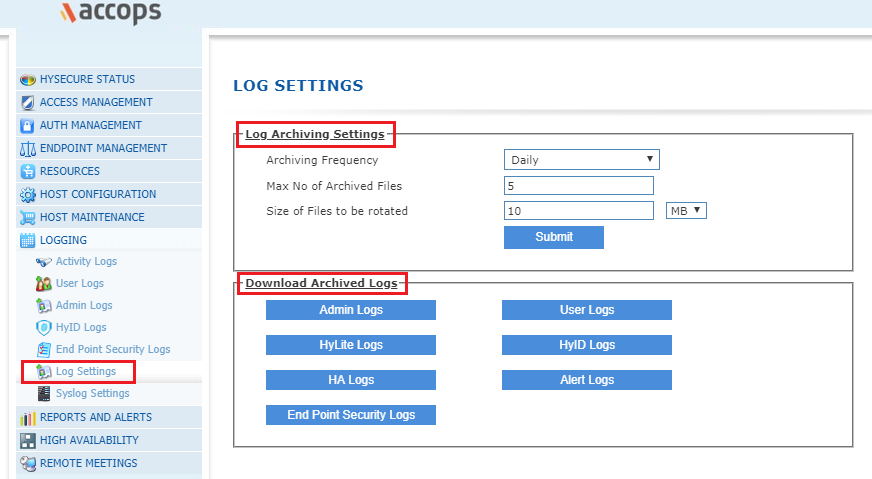
You can also manage the Log Settings to download the archived logs or to Manage the Archive Frequency/Size/Rotation.
-
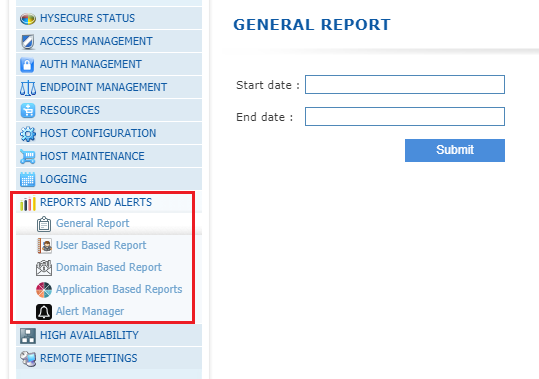
You can also get the General Report in .csv format from the Reports and Alerts.