Hyper-V Connector in Maintenance Mode
The Hyper-V Connector in Maintenance mode allows:
Note
- Copy the HyWorks setup locally on the target server. Running the HyWorks setup from the UNC path is not supported and will result in a failure.
- Running the HyWorks setup may also fail during the file extraction process, if the logged-in user has a roaming profile. Hence it is recommended to log in with local administrator user credentials.
Uninstallation
The sections given below describe the uninstallation process for the following servers:
-
Windows Hyper-V Servers
- Servers with GUI
-
SCVMM Servers
Uninstallation on Hyper-V 2012 R2 / 2016
To uninstall the Hyper-V Connector from the Hyper-V server, follow the steps given below:
-
Connect to the Hyper-V server with user credentials that have local administrator privileges, and go to the Control Panel > Programs and Features.
-
Select the Accops HyWorks Hyper-V Connector from the installed programs list and click Uninstall.
-
On the Warning prompt, click Continue, and on the Program and Features dialog, confirm the Un-installation by clicking Yes.
-
The uninstaller will be initialized.
-
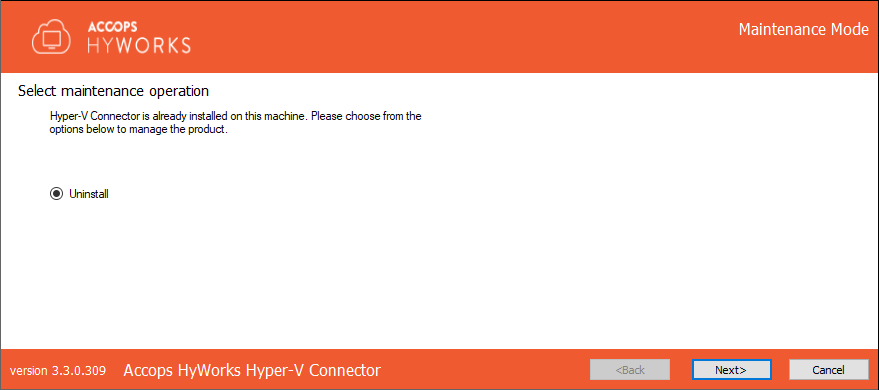
Select Uninstall in the Maintenance window and click Next to uninstall the Hyper-V connector.
-
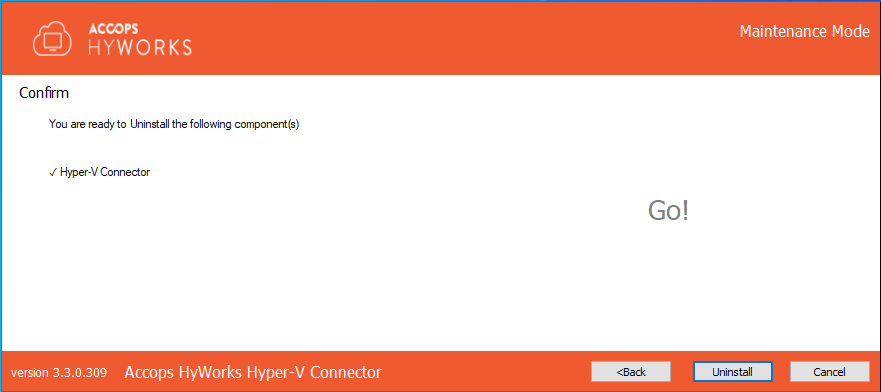
Click Uninstall to confirm.
-
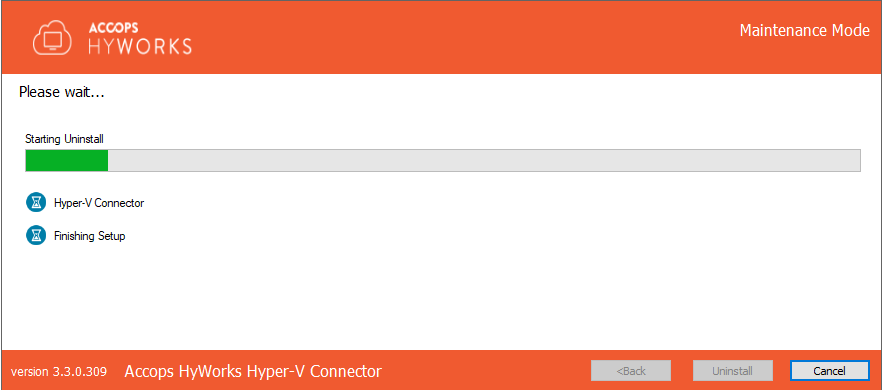
The uninstallation process will start and the progress bar will be displayed.
-
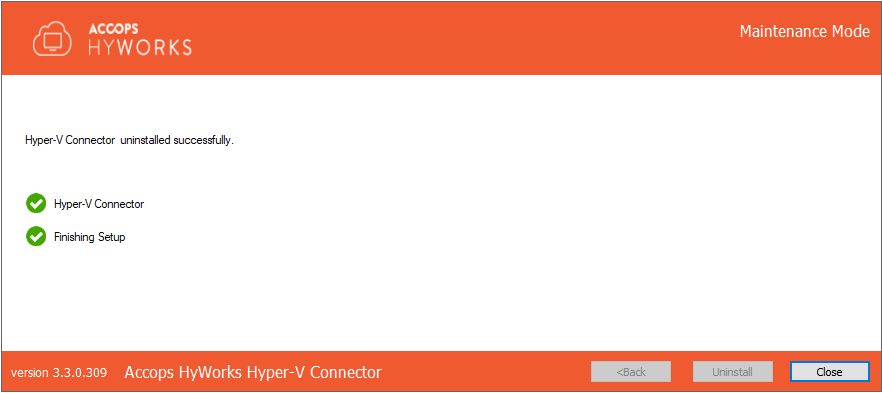
Once the process is complete, click Close to exit the Installation wizard.
Uninstallation on SCVMM 2012R2/ SCVMM2016
The uninstallation process on the SCVMM server is the same as the one described in the Hyper-V 2012R2/ 2016 with GUI section.
Upgrade and Repair
It is recommended to uninstall the existing setup from the Hyper-V/SCVMM server and before installing the updated version for the connector.
As the connector does not have any locally preserved data, no data will be lost due to uninstallation.
Installation Logs
HyWorks installation logs can be used for troubleshooting and verification purposes. Installation logs are created at the following locations:
<Hyper-V Installation Directory>\Hyper-V Connector\Logs, e.g.
C:\Program Files\Accops\HyWorks\Hyper-V Connector\Logs