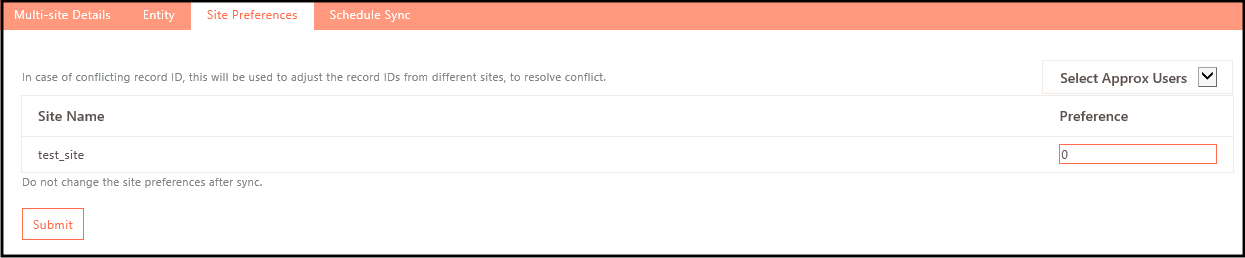
Site Preferences
When multiple sites are configured, the data synchronization preference is as follows. The lowest number set in the preference has the highest priority for data synchronization, i.e., the first preference for data synchronization is given to the site which has the lowest preference set.
To set or update the site preference:
- Log on to the Management console.
- Navigate to Sites > Multi-site > Site Preferences.
- Under the Preferences column against Site Name, set the preference. For example, if you set 2 against any site, that site will be given 2nd priority during data sync.