Apps
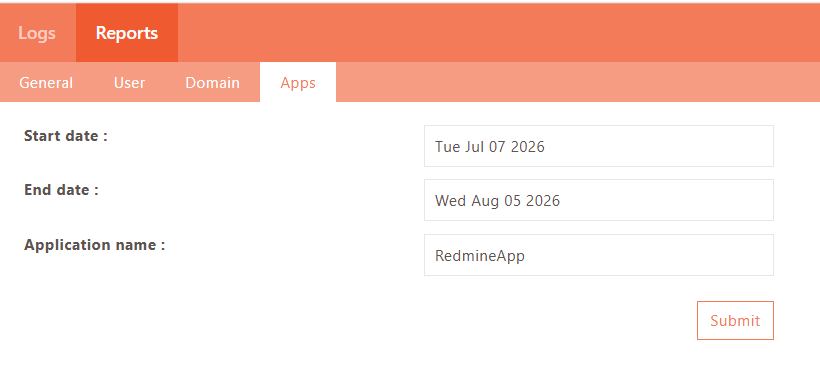
The Application report can be generated for an Application and for a specific duration.
To generate the report:
-
Log on to the Management console.
-
Navigate to Reports > Reports > Apps.
-
Enter the date range.
-
Enter the Application name.
-
Click Submit.
The Application-Based Report shows the following information in PDF format.
-
Application accessed on a per-user basis
-
Daily Usage Details
           - Access Count: 1
           - Interval: 22
           - Duration: 2019-05-22 00:00:00 to 2019-05-23 00:00:00
           - Average Usage
           - Average number of app access: 3