Enterprise Browser
HySecure supports centralized browser configuration management for the Enterprise Browser. Administrators can create, modify, and manage browser configurations in the Management Console and apply them to users through Client Configuration ACL.
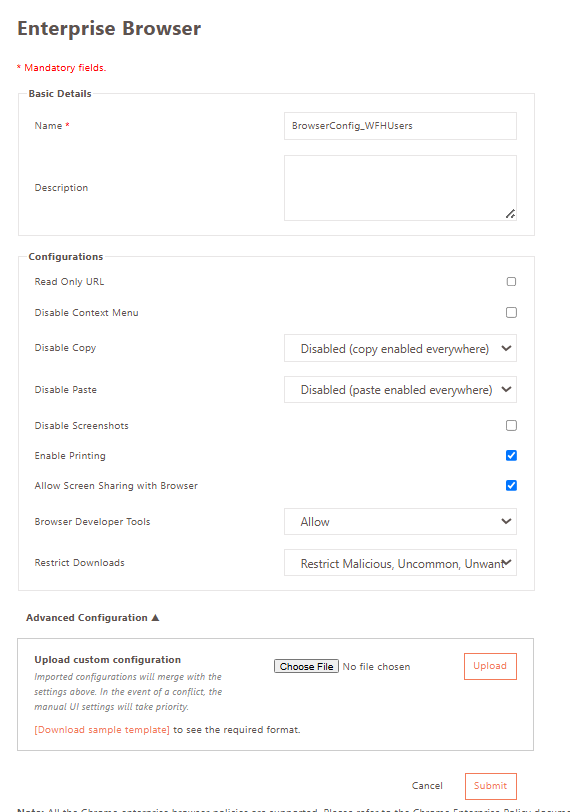
Browser policies can be configured using built-in settings or by uploading a custom JSON configuration file.
How To Configure
-
Log in to the HySecure Management Console as a Security Officer or Administrator.
-
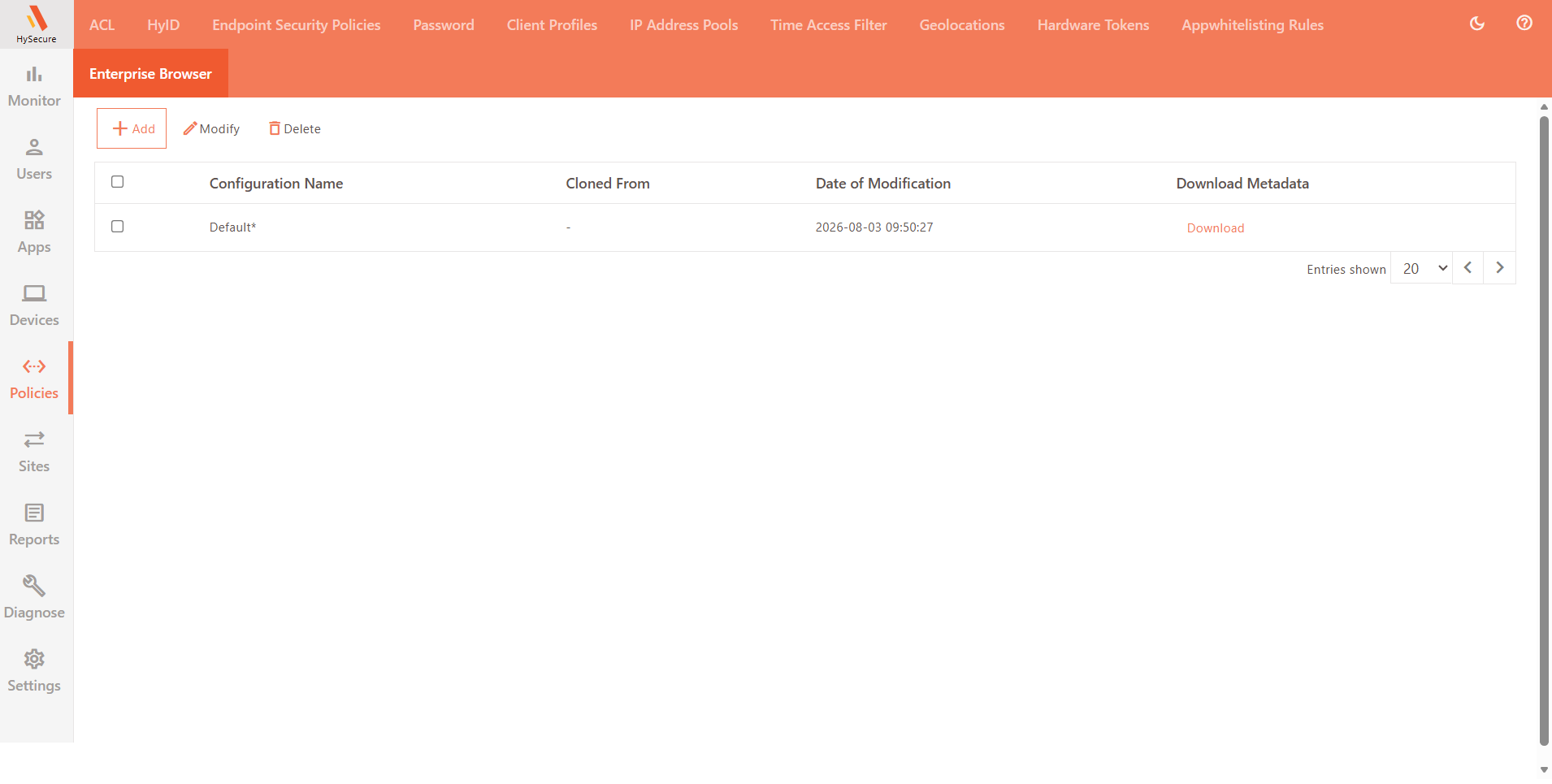
Navigate to Policies > Enterprise Browser.
-
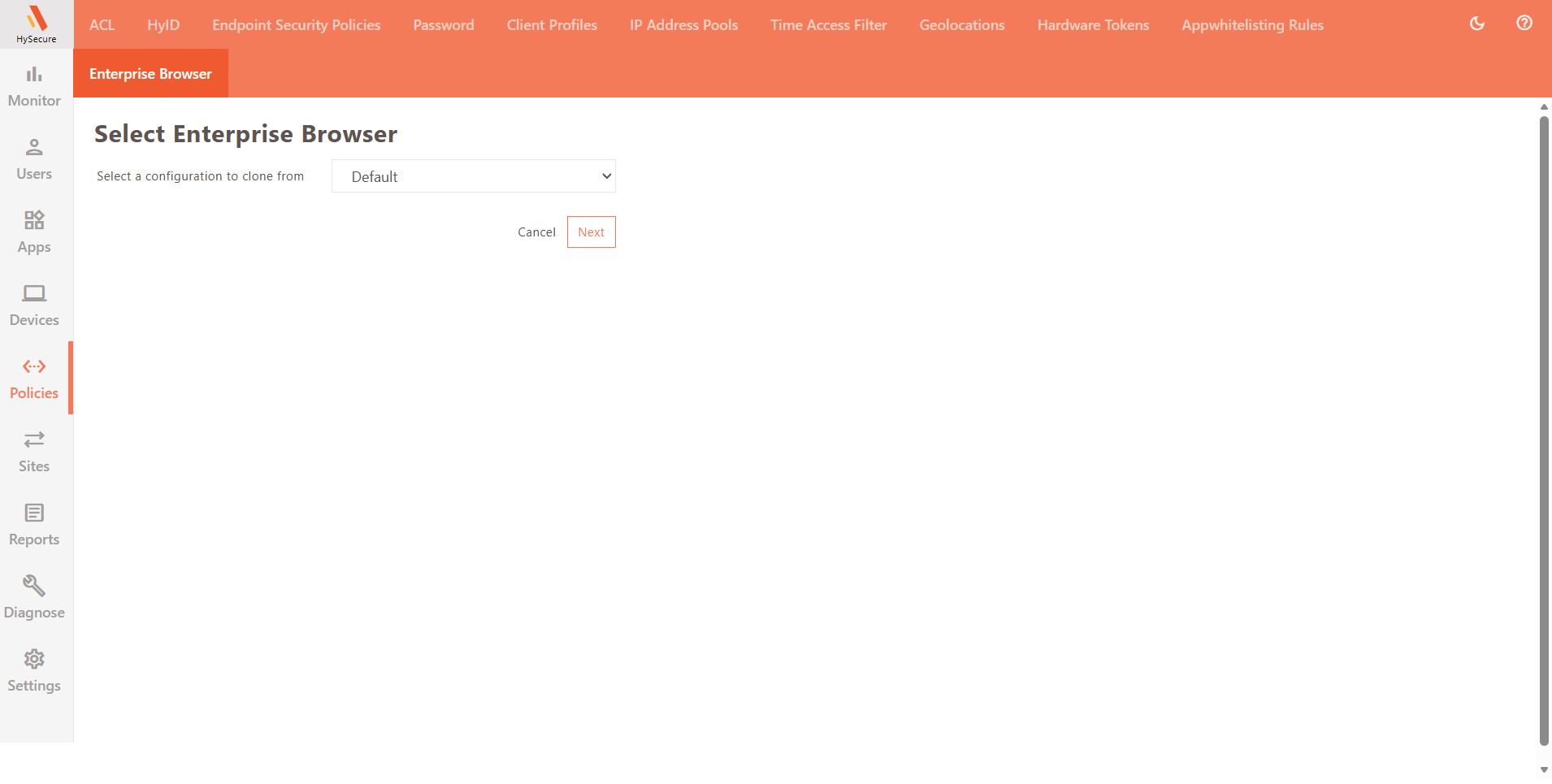
Use the Default configuration, or add a new configuration by cloning it and modifying it as required. Administrators can also configure by uploading a JSON file.
-
Navigate to Policies > ACL, modify the existing Client Configuration ACL, or create a new ACL.
-
Select the Default Enterprise Browser Configuration or custom Browser configuration against Select Enterprise Browser and click Submit.
Limitation
- Currently supported for Windows Workspace client-based login only (v7.2.4.1026 onwards).