Services Status
Services Status
The HySecure management console now includes a Diagnose section to check the status of important services. Users can also start, stop, or restart applicable services from here.
To check the status of various services of the HySecure Gateway.
-
Log on to the Management console.
-
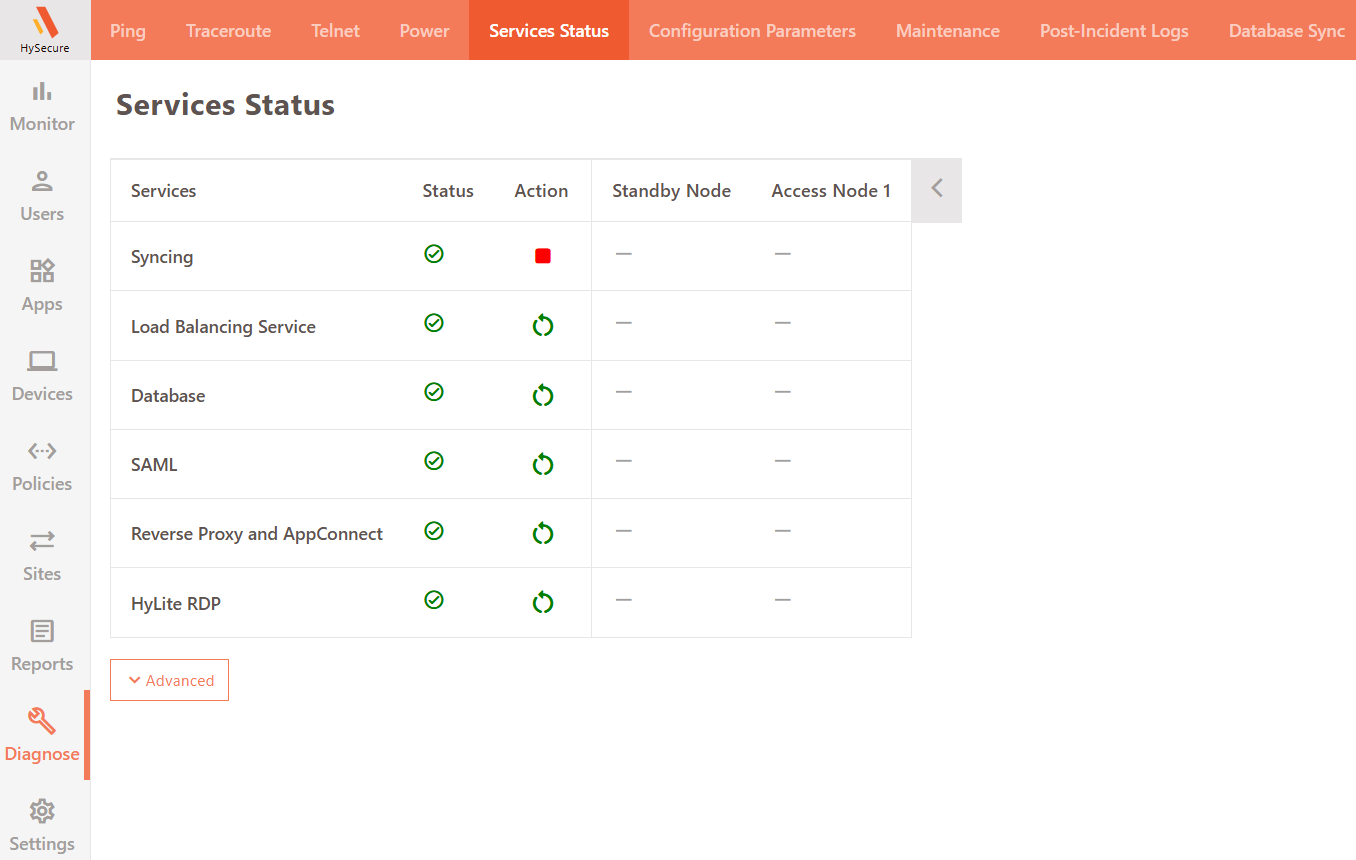
Navigate to Diagnose > Services Status.
-
The page displays the current status of the services. Administrators can start, stop, or restart services by clicking the icon next to the service.
-
Click the Advanced button to view more details about each service and the subsequent actions.