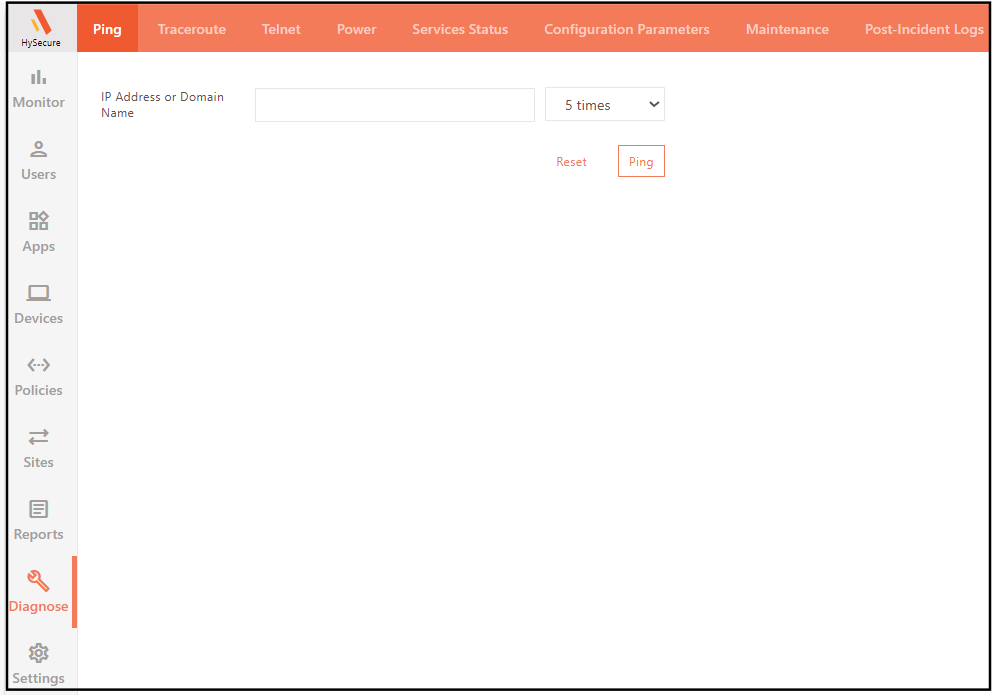
Ping
Ping is the most common network administration utility for testing the reachability of a network resource on an Internet Protocol (IP) network.
Ping sends ICMP echo requests to test the connectivity.
To ping a network resource:
- Log on to the Management console.
- Navigate to Diagnose > Ping.
- Enter the IP Address or the Domain Name that is to be pinged.
- Select the number of ping requests.
-
Click Ping to send the specified number of ping requests to the specified IP Address / Domain.