Database Sync
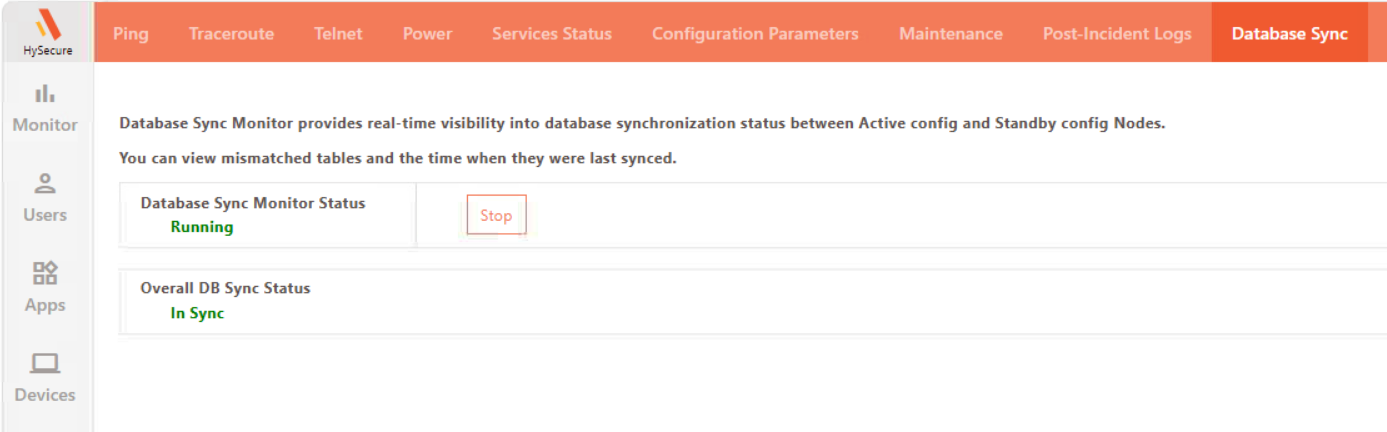
Database Synchronization Monitoring for the Active and Standby Config nodes: HySecure continuously monitors database synchronization by assessing individual tables and reports a mismatch only if it persists across multiple validation cycles. This approach helps minimize false alerts that can occur due to frequent data changes. When a consistent mismatch is identified, HySecure promptly notifies the designated Security Officers via email, providing details about the affected table. Once synchronization is reestablished, a notification confirming the resolution of the mismatch is sent to ensure the databases are aligned again.
How to Configure
-
Database Synchronization Monitoring is enabled by default and can be disabled in the Diagnose > Database Sync section in the management console
For further customization, please contact Accops Support Team.