Erlang OTP Installation
Note
The exact version of Erlang (OTP) is required for the installation.
Erlang OTP Installation Steps:
-
Copy the setup file of the downloaded compatible version of Erlang (OTP).
-
Log in to the server using user credentials that have local administrator privileges.
-
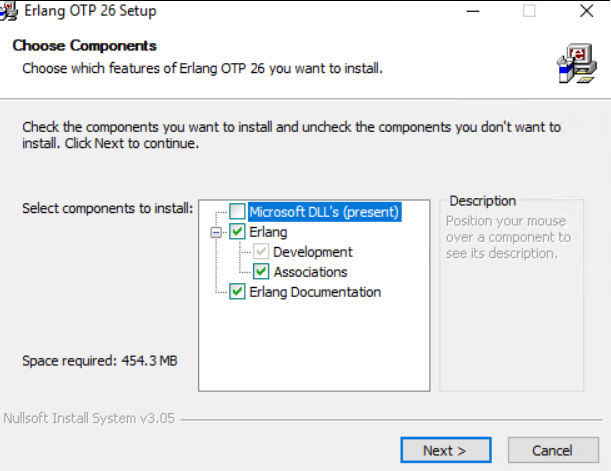
Double-click the otp_win64_xx.x.x.exe (where xx.x.x is the version; the .exe name may differ), and install with the default selections.
-
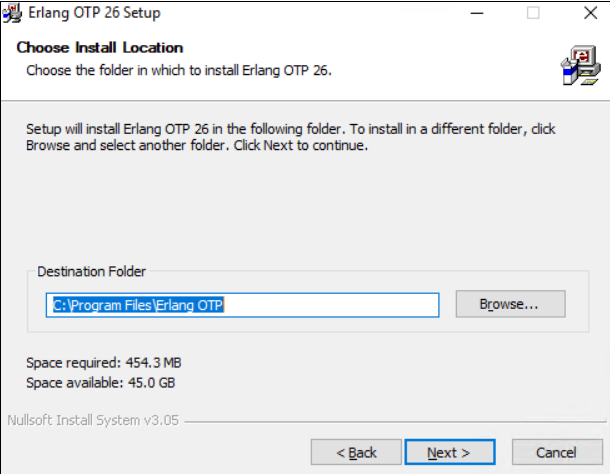
Select the installation location for ErlangOTP, then click Next.
-
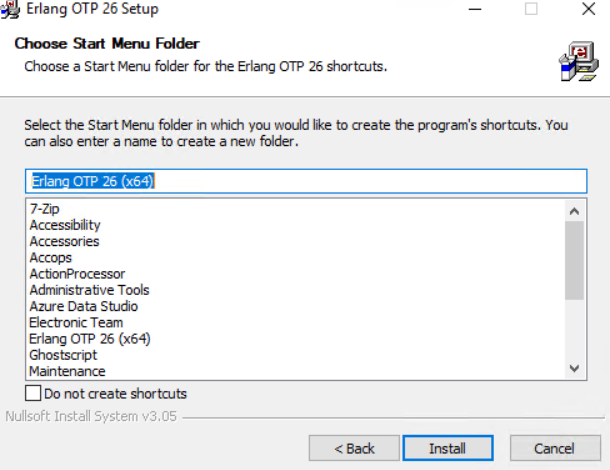
Click Install to start the installation.
-
Once the installation is complete, click Finish to close the Erlang installation wizard.
-
Reboot the system if required to complete the Erlang installation process.