Maintenance
This section describes the options for upgrading, repairing, or uninstalling the Session Host server from the system.
Note
- Copy the HyWorks setup locally on the target server. Running the HyWorks setup from the UNC path is not supported and will cause a failure.
- Running the HyWorks setup may also fail during file extraction if the logged-in user has a roaming profile. Therefore, it is recommended to log in with local administrator credentials.
Upgrade HyWorks Session Host Server
Note
-
Since the Session Host Server setup installs RDP extensions, the upgrade might fail if active remote desktop sessions are running.
-
The Session Host server can be upgraded before or after upgrading the HyWorks Controller. However, it is recommended to check the compatibility between the HyWorks Controller and Session Host Server before upgrading.
- Having incompatible versions on the system will cause session or functionality failures.
-
Log in to the Windows Server with user credentials that have local administrator privileges.
-
Copy the Accops HyWorks Controller installation setup or the independent HyWorks Session Host Server setup on the Windows server.
-
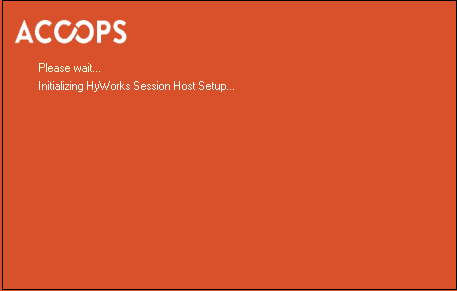
Launch the Installation wizard.
-
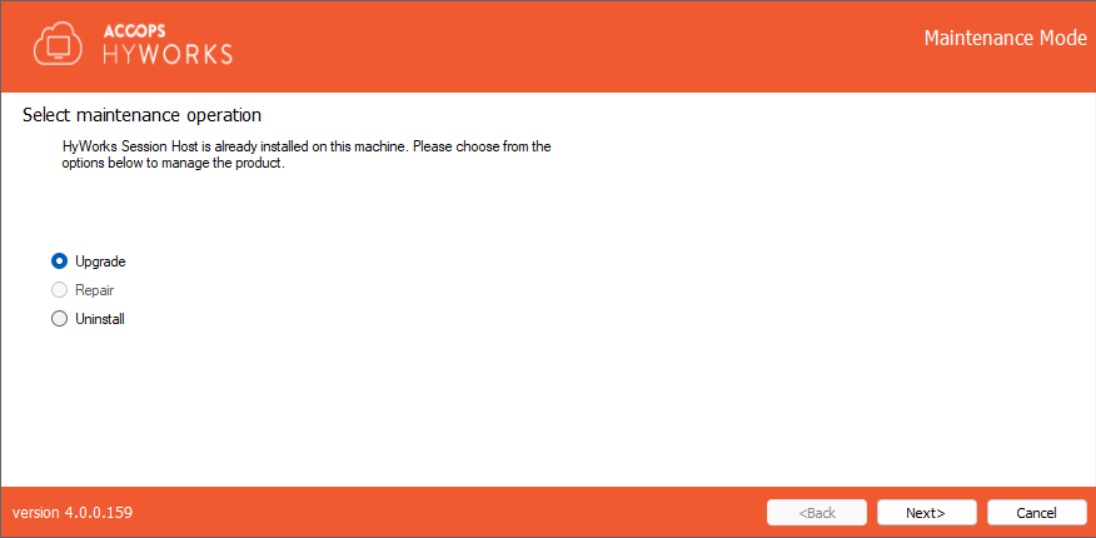
Select Upgrade and click Next.
-
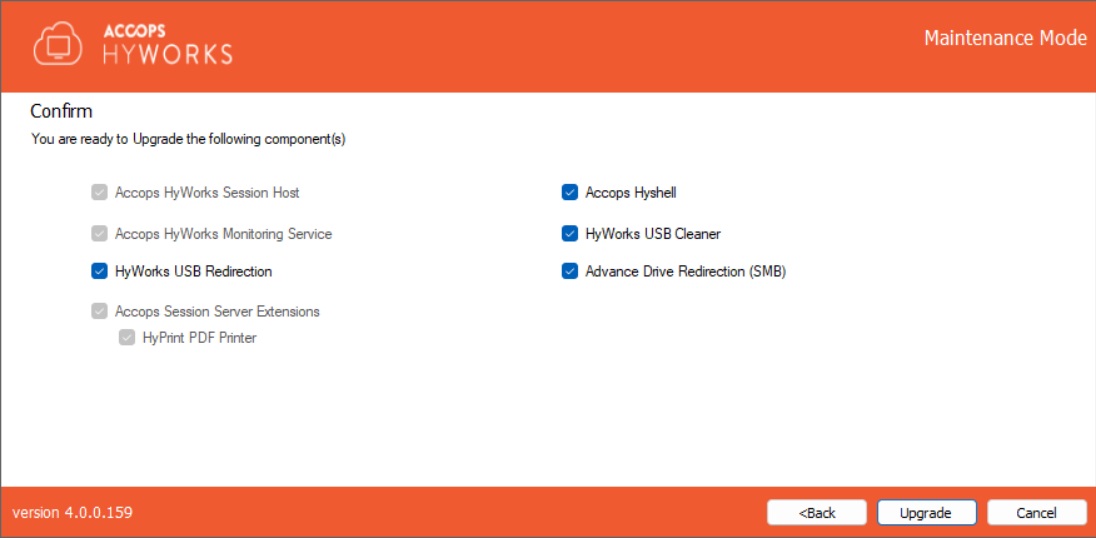
The confirmation screen displays the components that are being upgraded.
-
Click Upgrade to proceed.
-
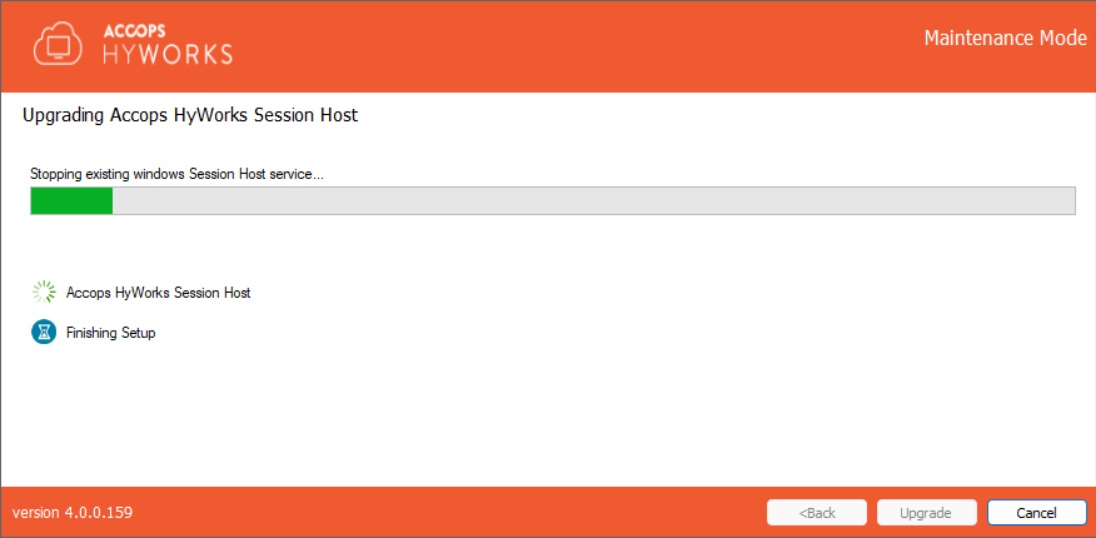
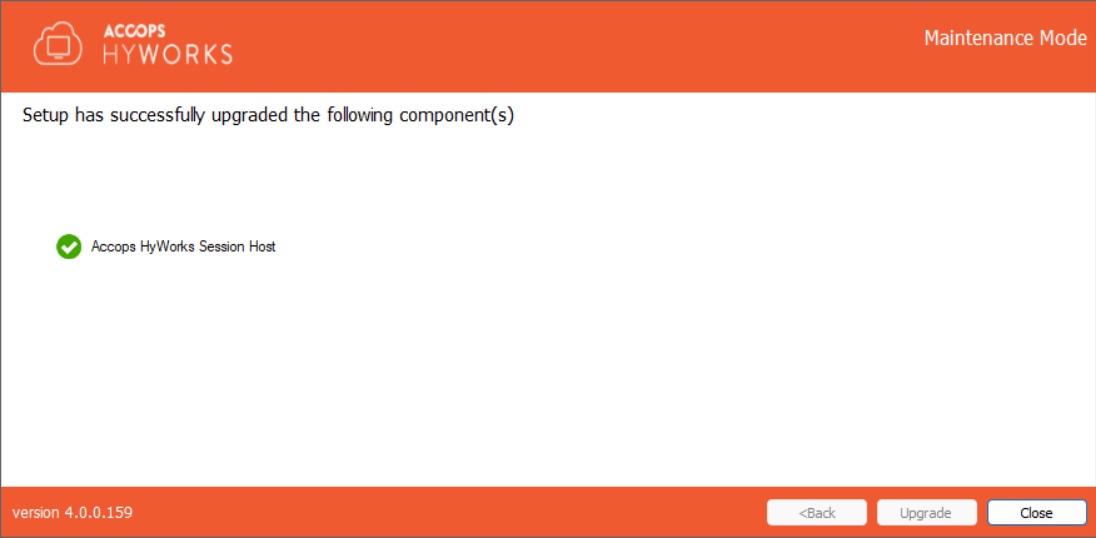
All the HyWorks Session Host Server components will be upgraded, and a success screen will be displayed. Click Close to exit the setup.
Repair HyWorks Session Host Server
-
Go to the Control Panel > Programs and Features.
-
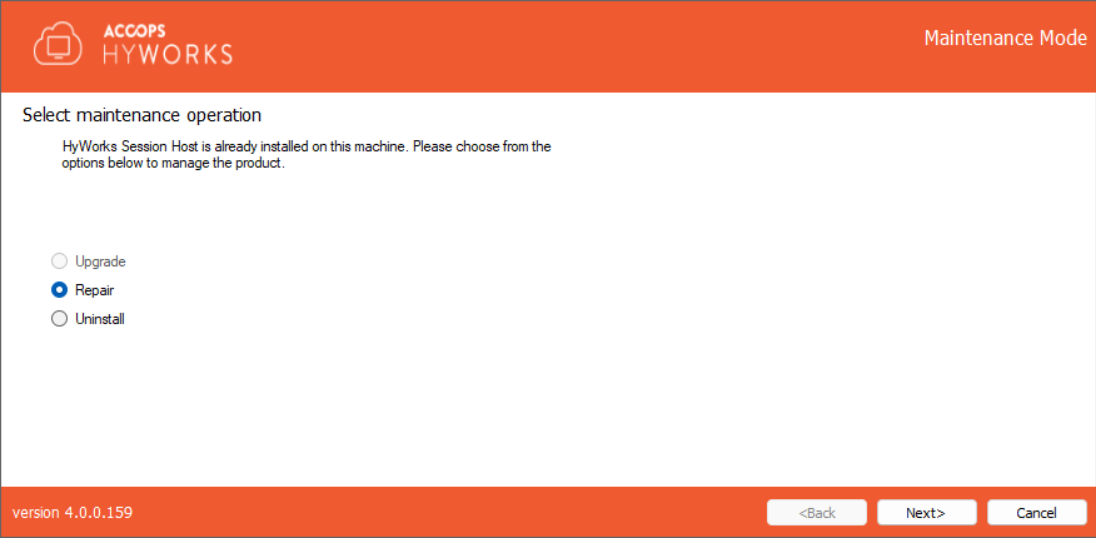
Click HyWorks Session Host Server Module > Uninstall/Change to open the HyWorks Session Host Server Installation wizard in Maintenance mode.
-
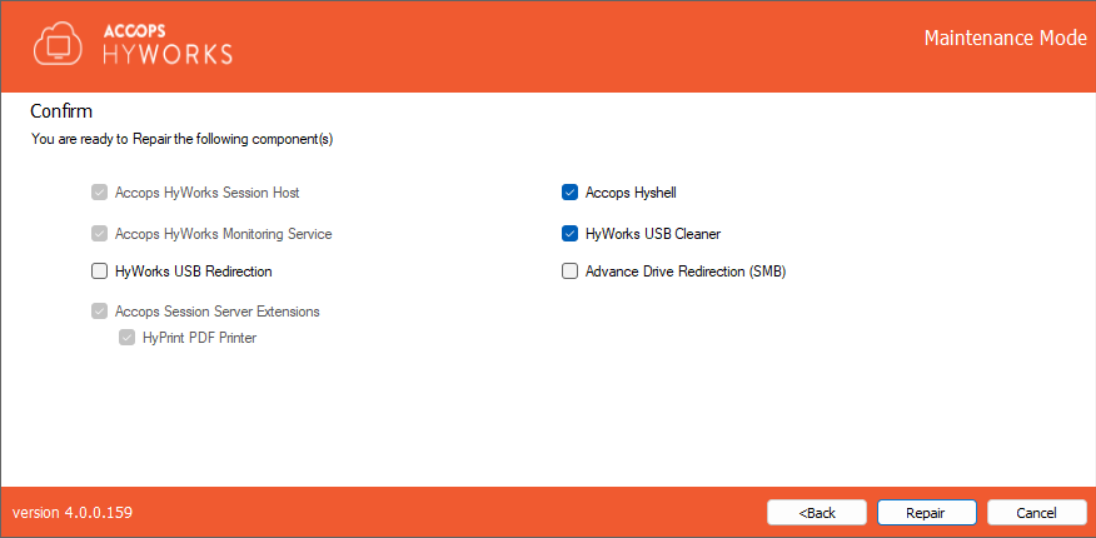
Select the components. A few components are selected by default and will be processed.
-
Click Repair and click Next to proceed.
-
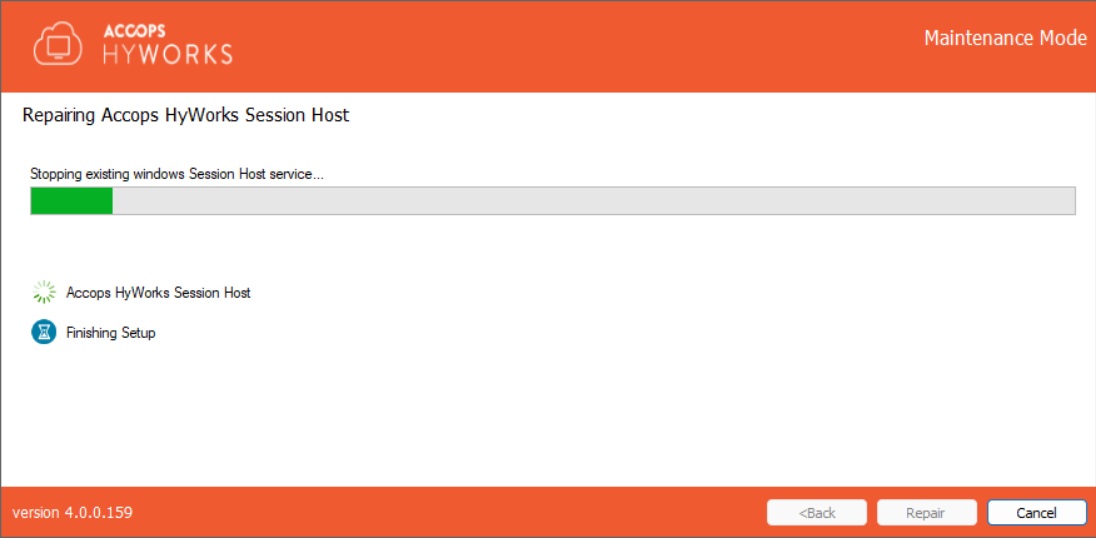
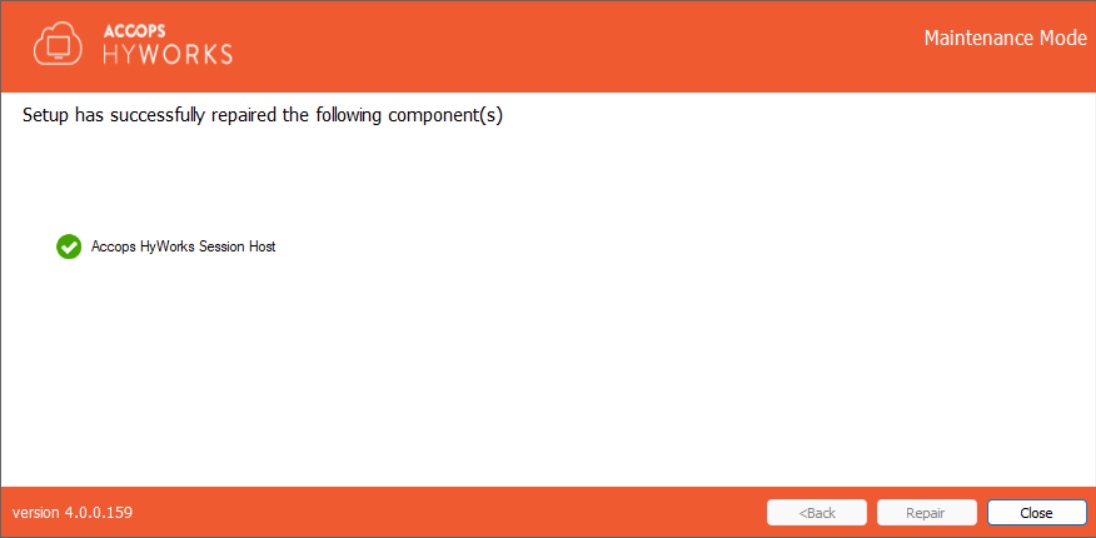
Wait for the repair process to be completed. Once complete, click Close.
-
Click Yes if prompted to reboot the Session Host server.
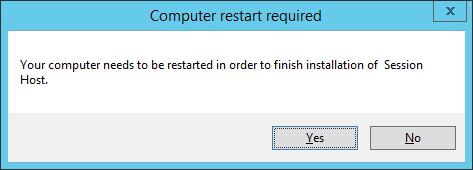
The repair process for the Session Host server is done now.
Uninstall HyWorks Session Host Server
-
Go to the Control Panel > Programs and Features.
-
Select the HyWorks Session Host Server Module > Click Uninstall.
-
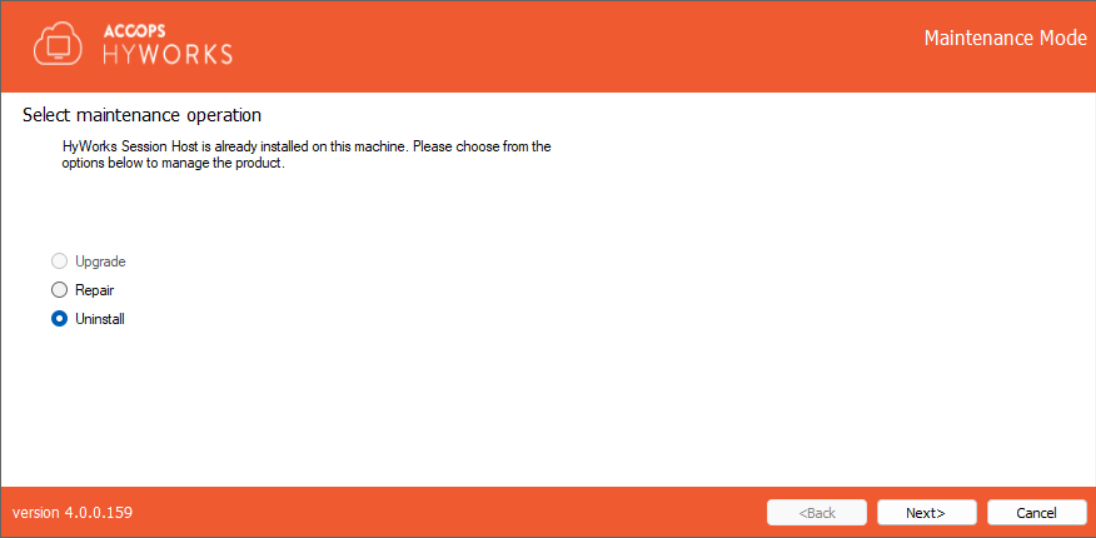
The HyWorks Session Host Server Installation wizard will open in Maintenance mode.
-
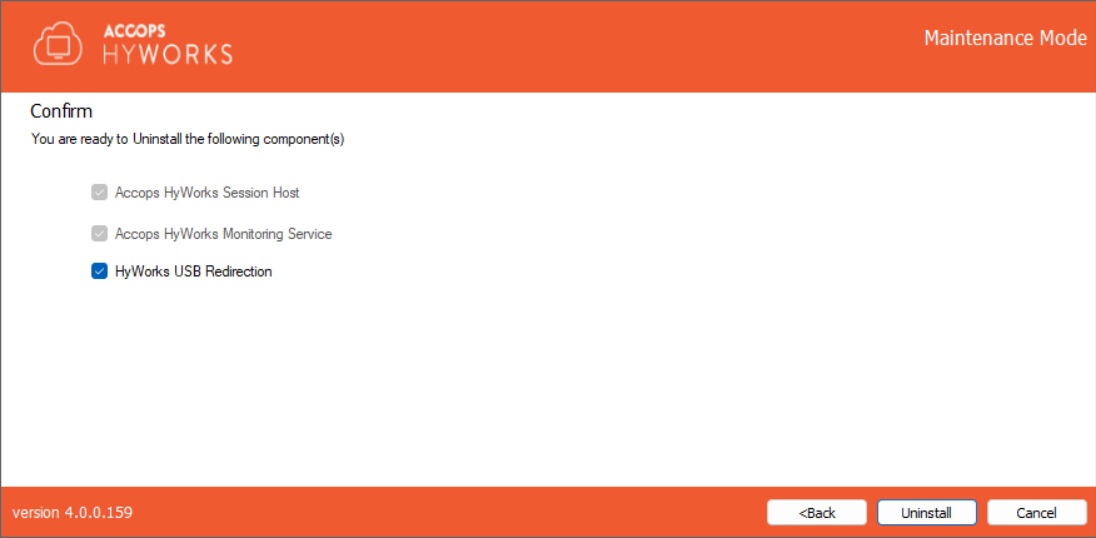
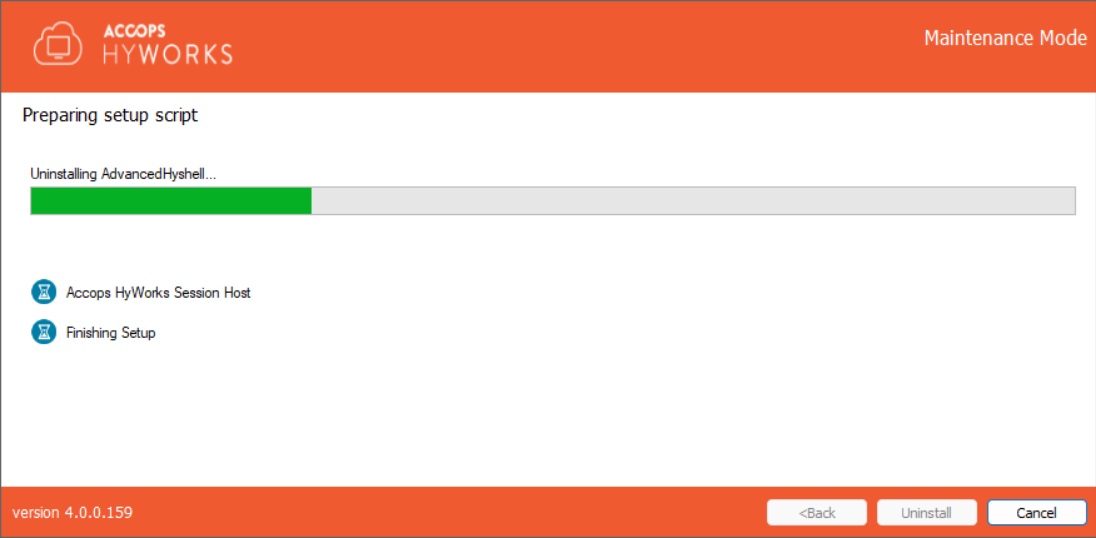
Select Uninstall and click Next to proceed. A list of all components to be uninstalled will be displayed.
-
Click Uninstall to continue. This will remove all HyWorks Session Host Server modules from the system.
Note
-
Uninstalling the HyWorks Session Host Server does not remove the remote desktop server role from the system.
-
If the same server has the Controller Service component installed, the HyWorks Monitoring Service will not be uninstalled because the same component is also used by the HyWorks Controller to collect details about resource consumption.
Installation Logs
HyWorks installation logs can be used for troubleshooting and verification purposes. Installation logs are created at the following location:
C:\ProgramData\HyWorksSessionHost\Logs