Custom Logo Support from HySecure Gateway
HySecure Gateway offers custom logo support, enabling organisations to display their own branding on login screens and user interfaces.
This feature enables enterprises to maintain brand consistency and create a customised experience for users. Admins can typically upload a logo via the gateway management console, making it visible during authentication and session initiation.
HySecure Gateway configuration
-
Log in as an SO user and access the Management Console.
-
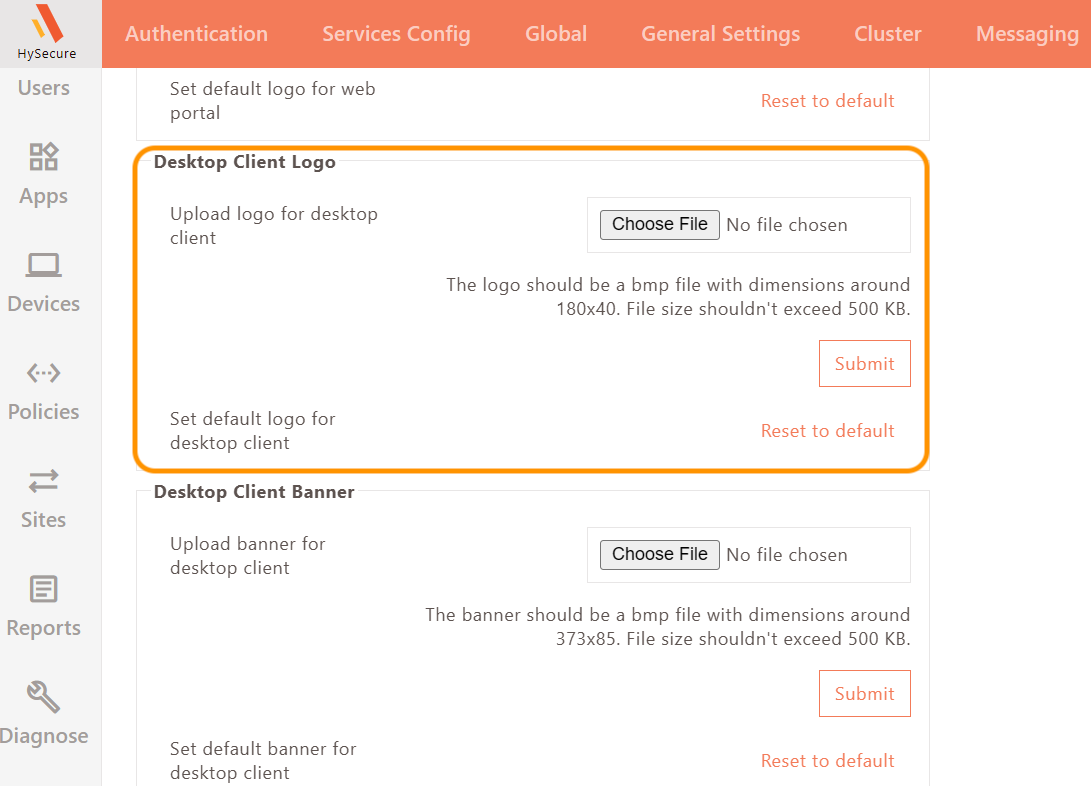
Navigate to Settings > Theme > Desktop Client Logo. Upload the custom logo image. Select the file. Ensure it is in the .bmp format, with dimensions 180*40 pixels, and size is 500 KB.
-
Click Submit.
-
In globalsetting.js, add the tags listed below:
- WORKSPACE_BANNER_ENABLED=true
- WORKSPACE_BANNER_VERSION=1
- WORKSPACE_BANNER_URI=/fes-bin/public/customerlogo.bmp
Client Login
-
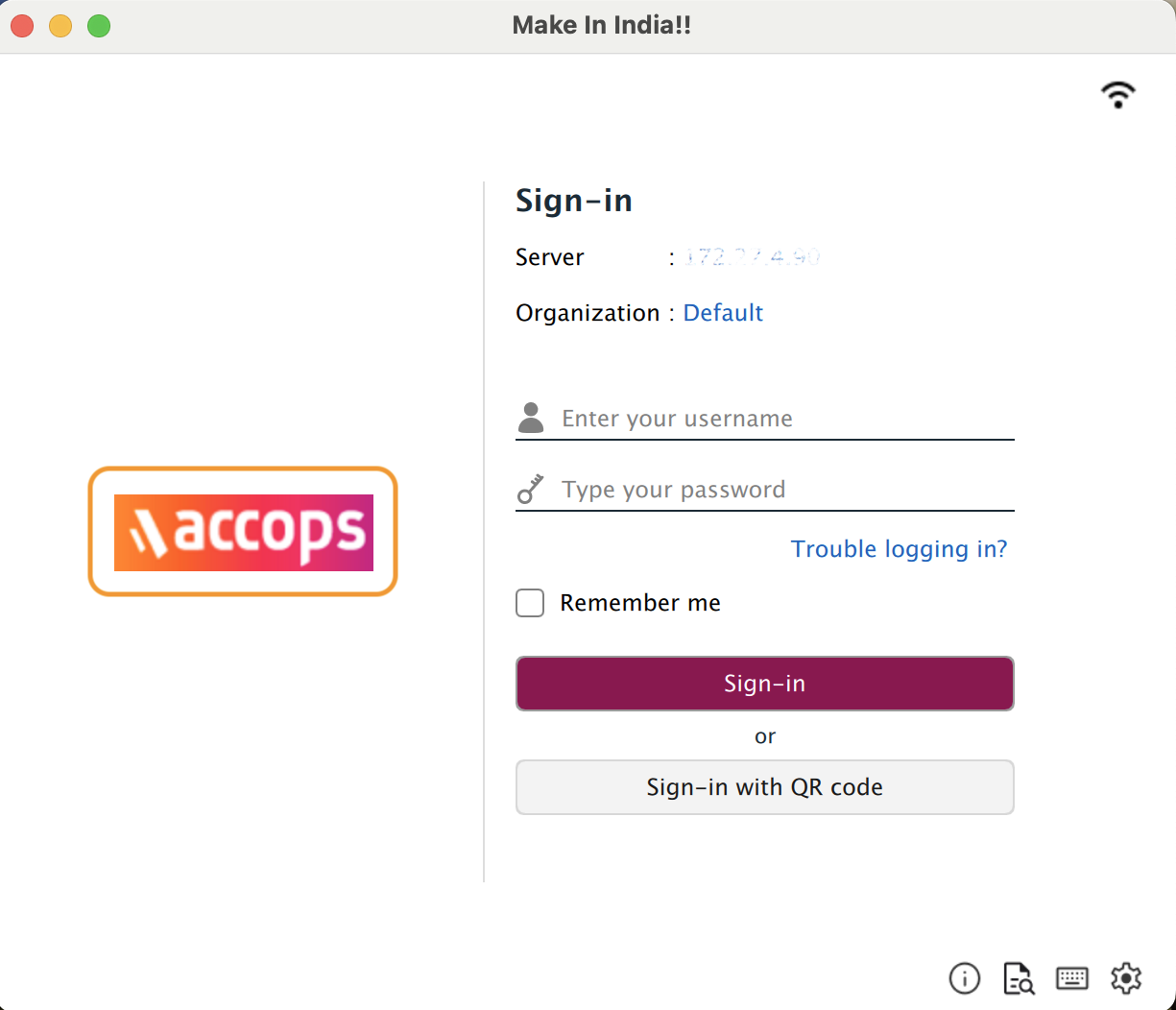
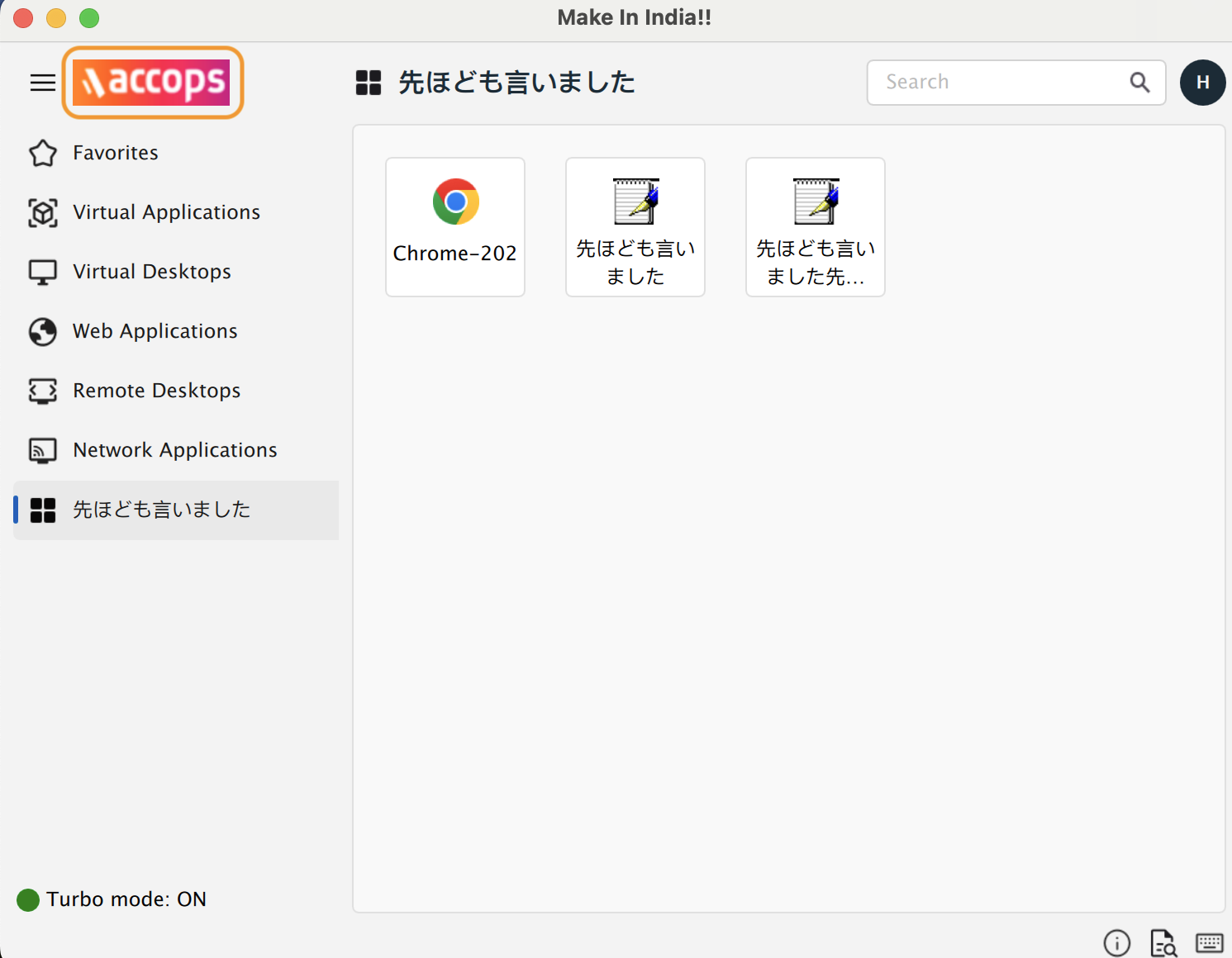
Enter the server address and provide the user credentials. The custom logo will be downloaded to the user’s system during realm fetch only.
Note
The location for the custom logo downloaded in the user’s system is: /Users/Shared/edc/logs/