Accops Reporting Server version 2.0
Introduction
The document outlines the changes and enhancements in Accops Reporting Server version 2.0, which now uses OpenSearch instead of Elasticsearch.
-
Upgrade of ELK Components to OpenSearch and OpenSearch Dashboard
- In the earlier ARS version 1.08, Elasticsearch, Logstash, and Kibana versions ran on 6.8.23. Now, ARS runs on OpenSearch, OpenSearch Dashboard (version 2.15.0), and Logstash (version 7.16.3). OpenSearch is an open-source community project that offers basic security features without paid licenses.
-
Authentication and Encryption between OpenSearch and Clients
- Authentication is enabled by default in OpenSearch.
- OpenSearch, as a database server, only accepts data from clients with privileges to ship data to it and valid credentials.
- The OpenSearch cluster contains built-in roles and users. The admin user is the cluster’s superuser, with full read and write privileges.
- All clients interacting with OpenSearch directly must provide their respective usernames and passwords.
The Following Clients communicate with OpenSearch:
- Logstash
- Metricbeat
- OpenSearch Dashboard
- AUEM & DVM
-
Dashboard & Visualizations
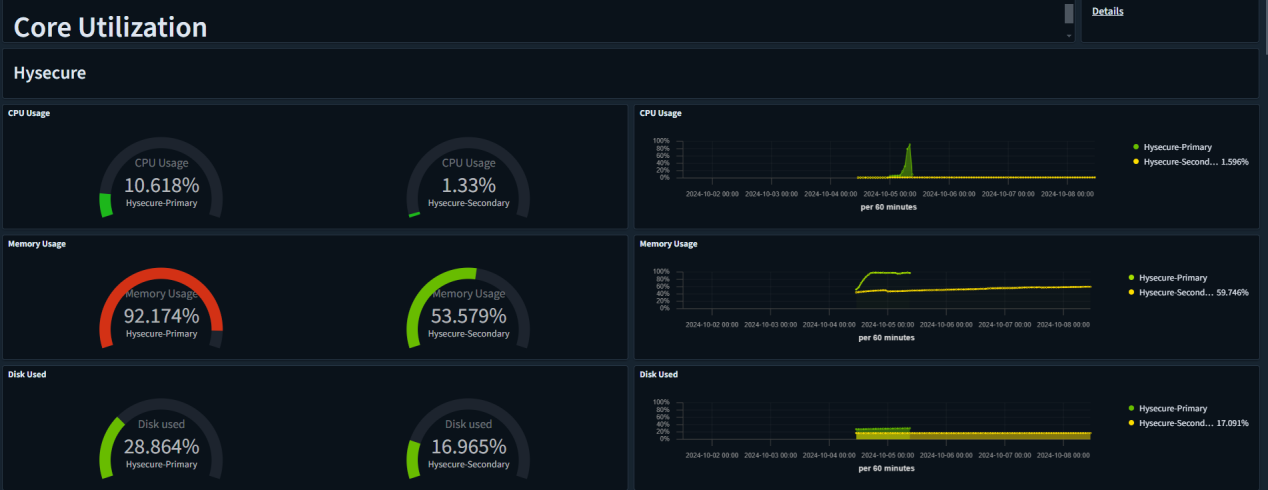
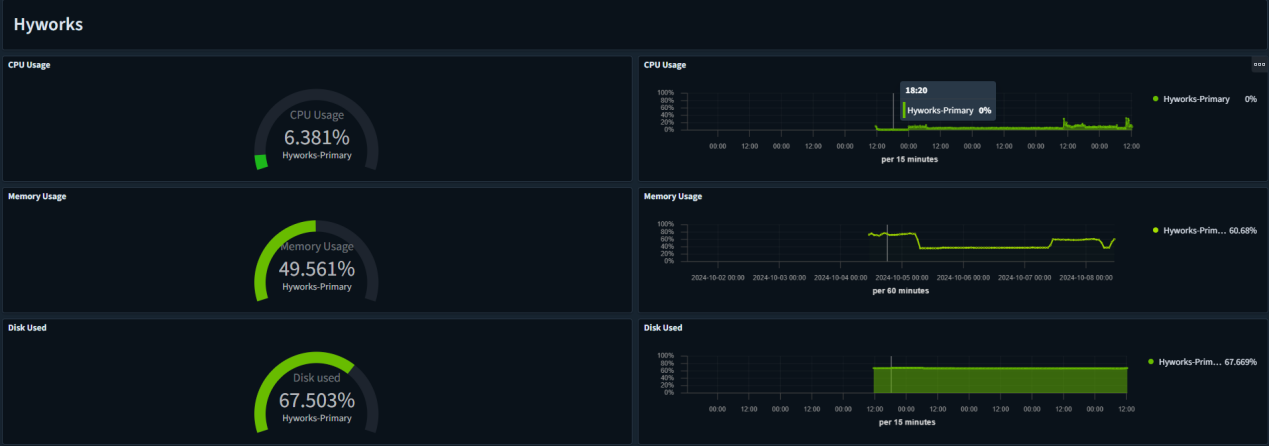
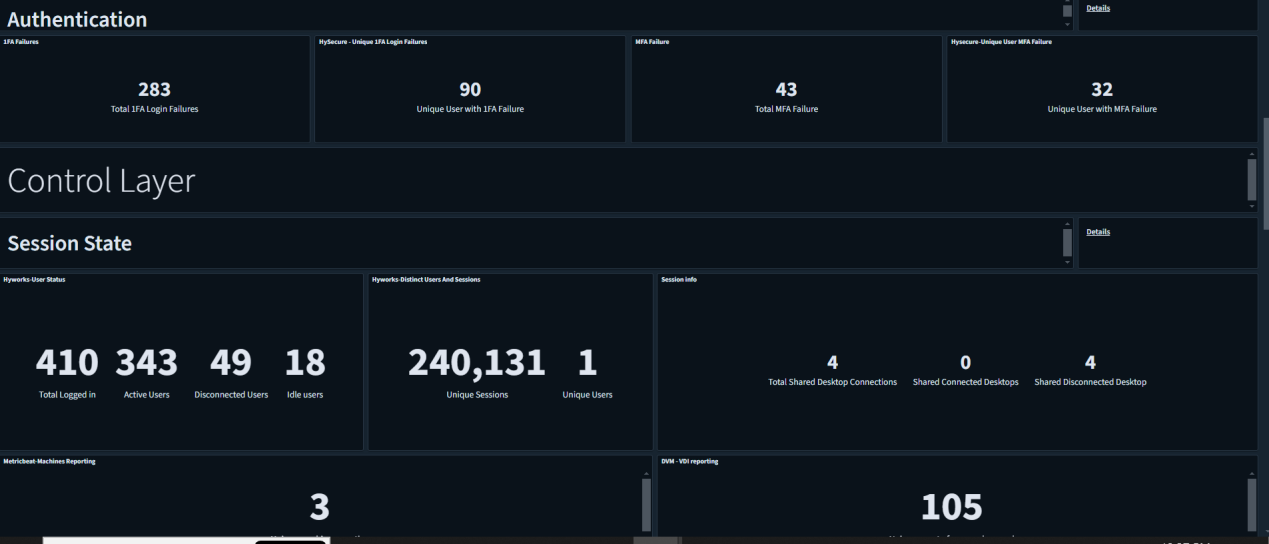
In ARS version 2.0, the following new dashboards and visualizations have been added:
-
Core Utilization HySecure
-
Core Utilization HyWorks
-
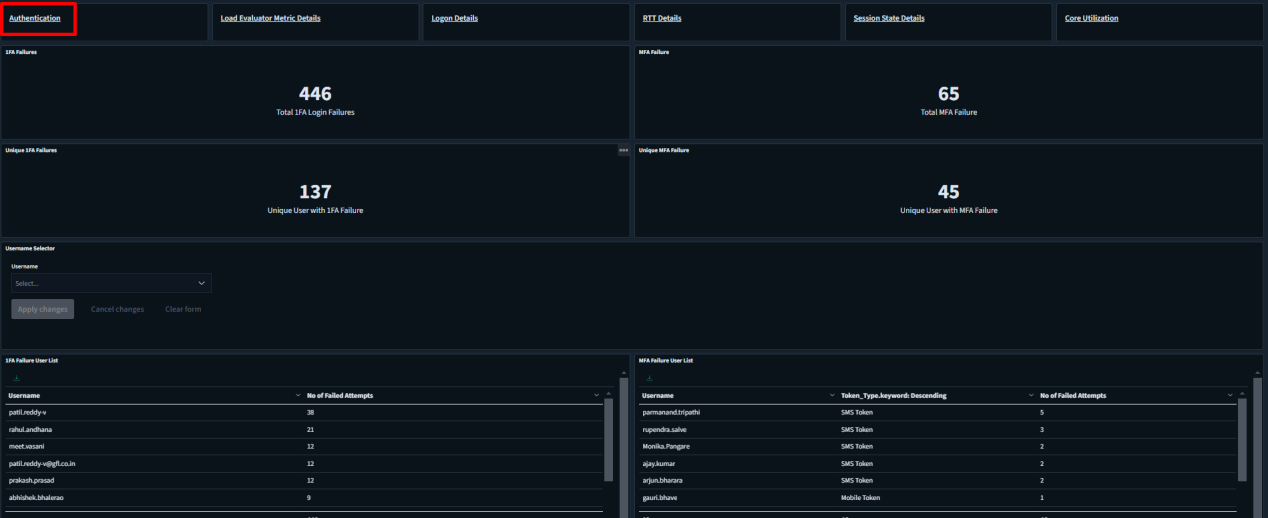
Authentication
-
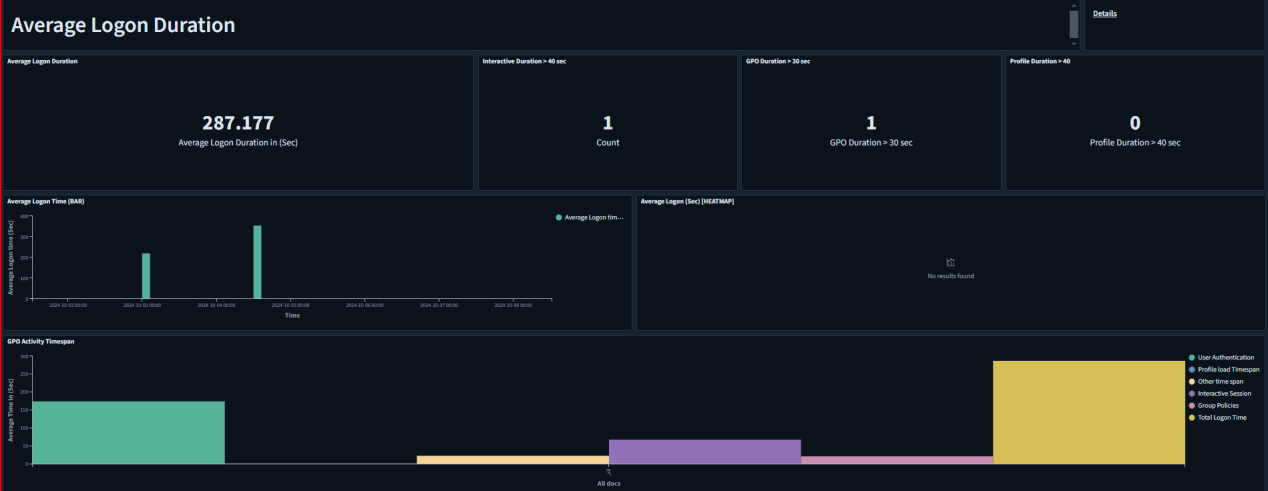
Average Logon Duration
-
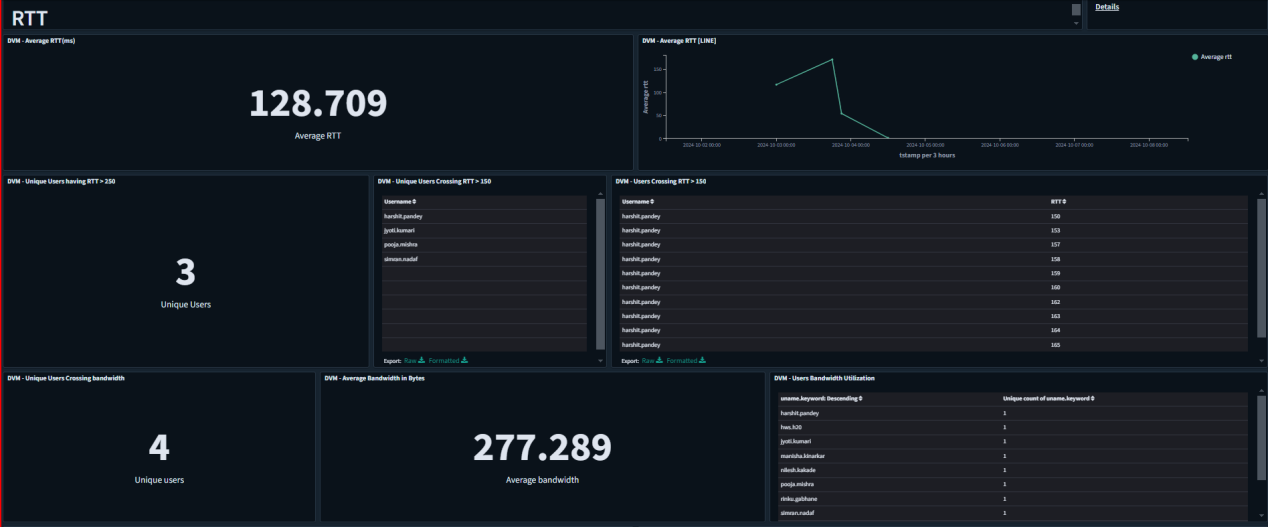
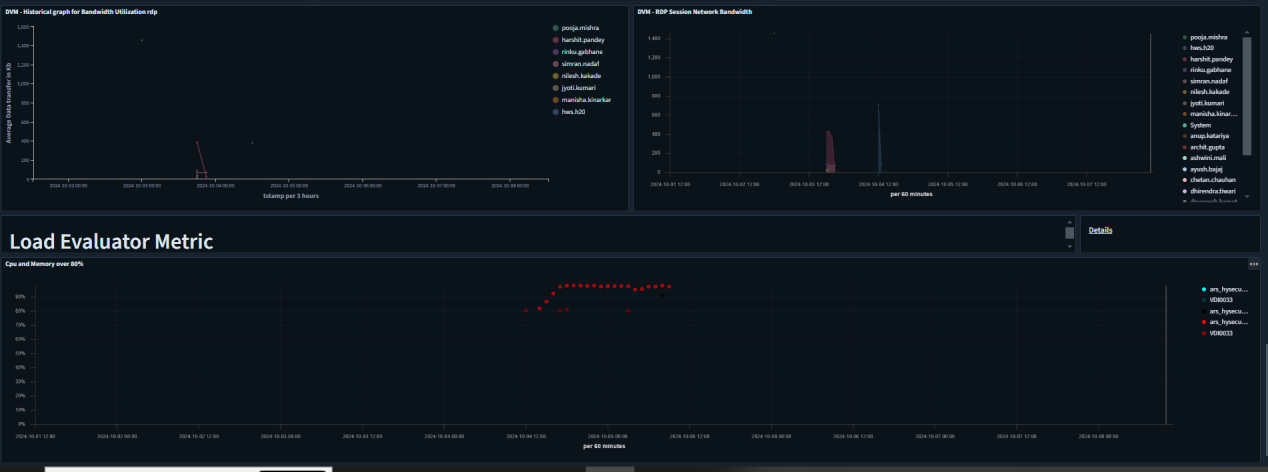
RTT Details
-
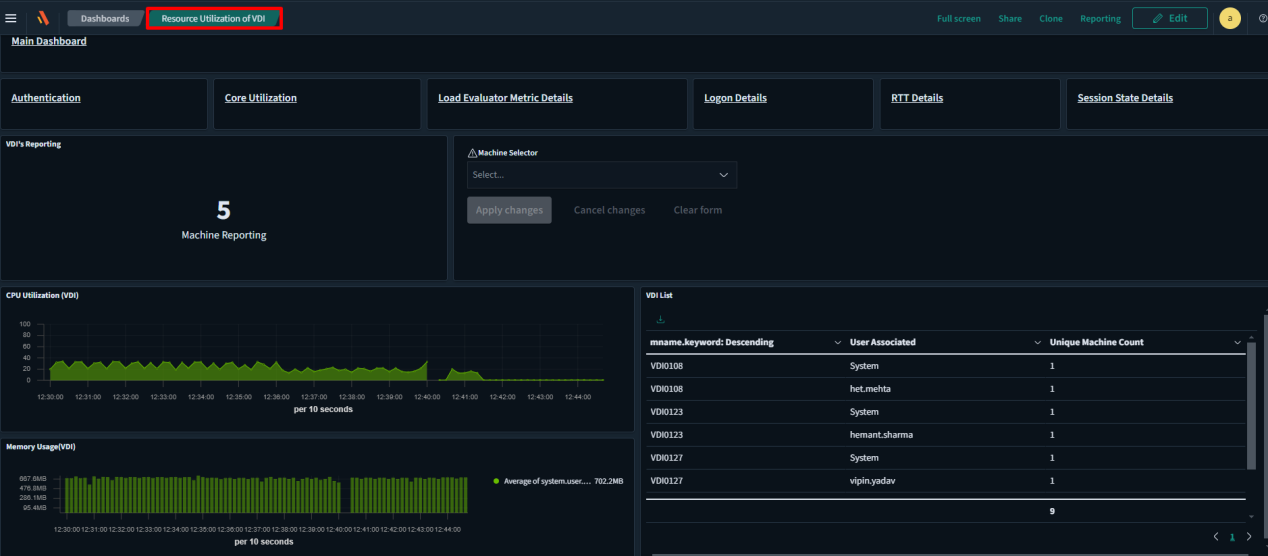
Resource Utilization Of VDI
-
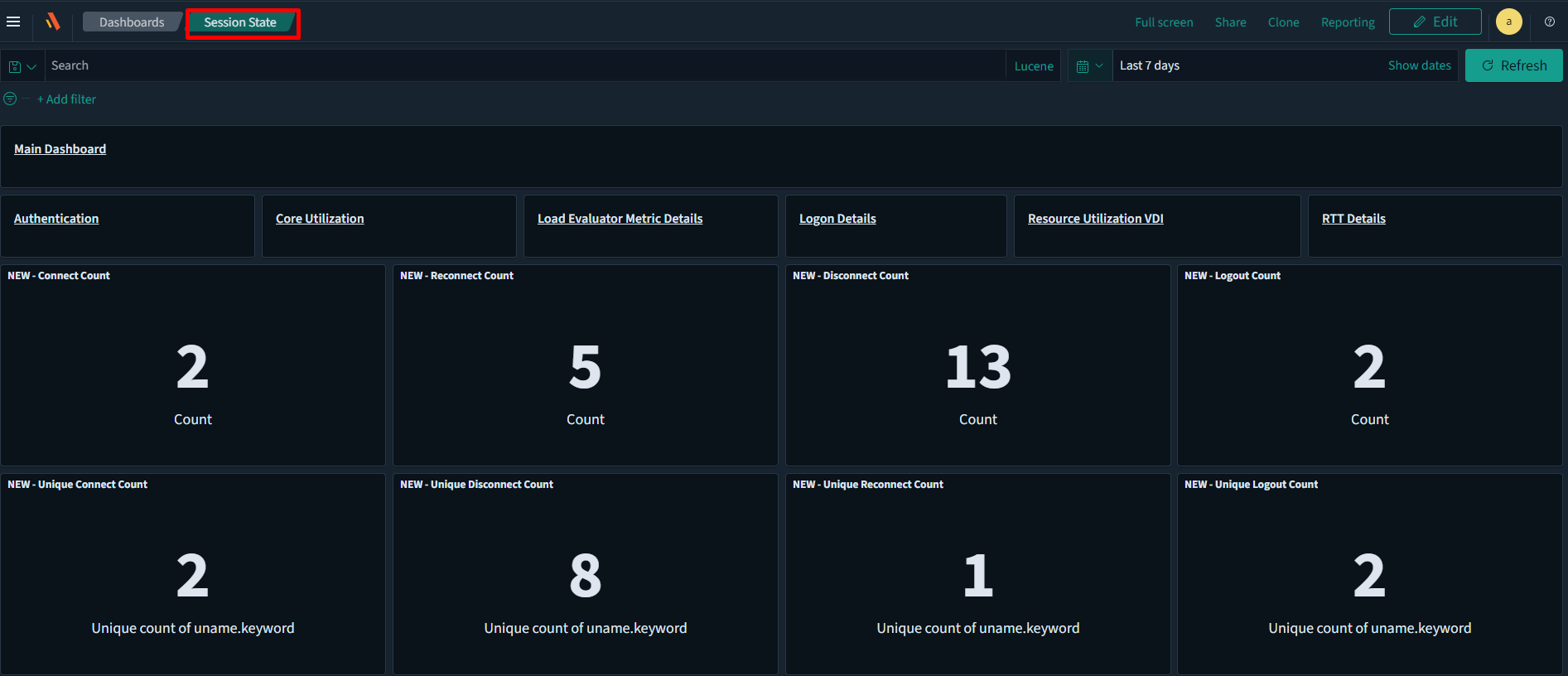
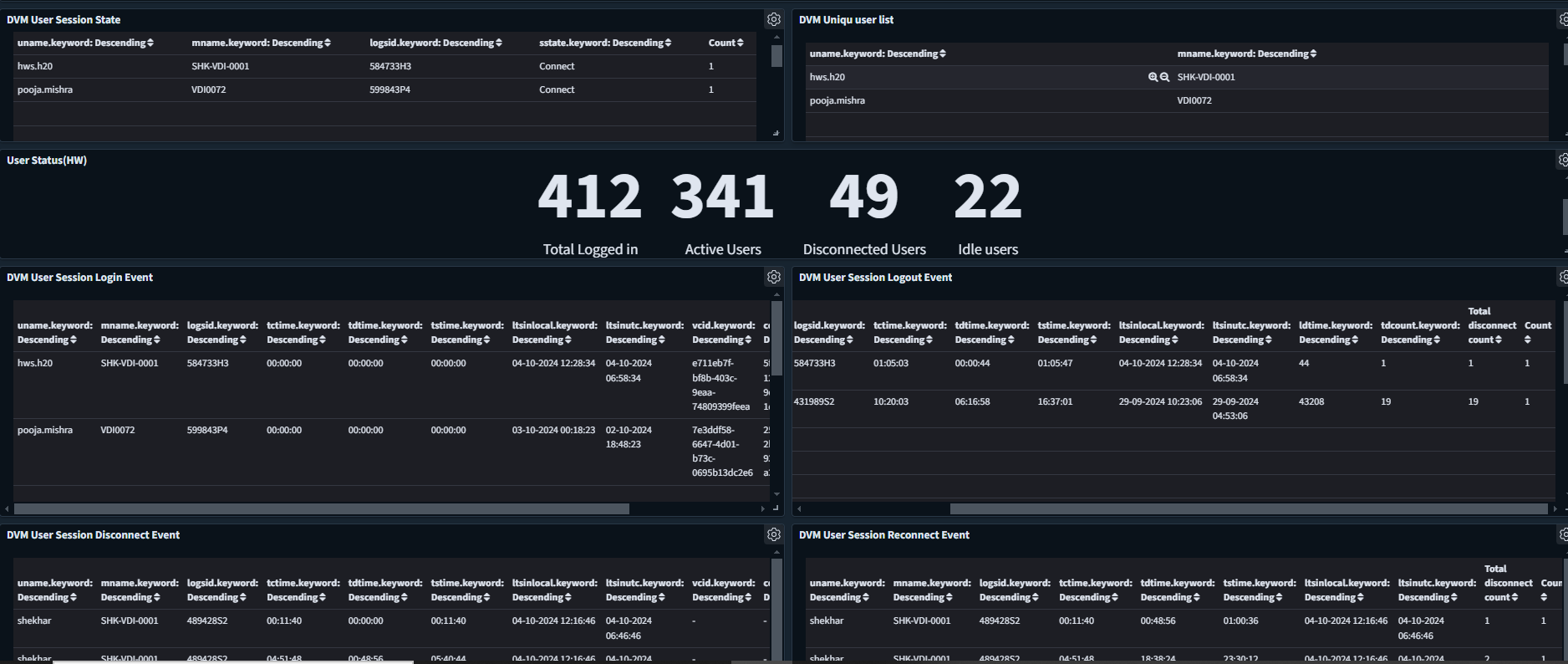
Session State Details of users
-
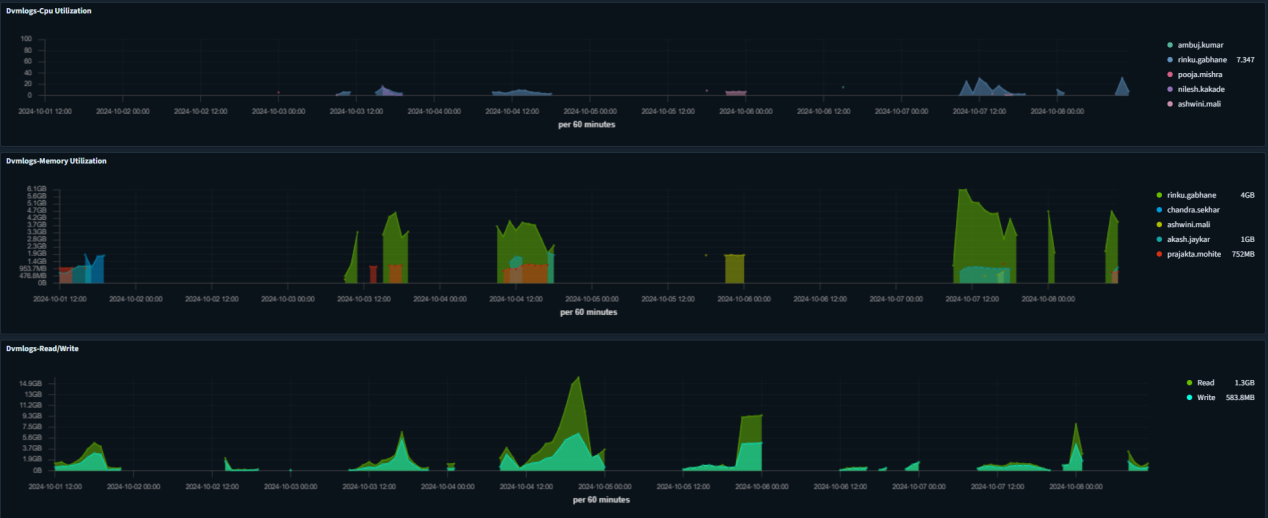
CPU/Memory Utilization of each user
-
-
Alerts: New alerts have been configured in ARS 2.0, including security and critical service down alerts.
-
1FA Failure
If there are 'n' 1FA failure events (incorrect username or password) occurring within a given configurable timestamp, then an alert can be sent.
-
MFA Failure
If there are 'n' number of MFA failures (invalid OTP) occurring within a specified timestamp (configurable), then an alert can be sent.
-
CPU/Memory/Disk
If the CPU, memory, or disk utilization of HySecure, HyWorks, or VDI exceeds the defined threshold, an alert can be triggered.
-
RTT (Round Trip Time)
If the RTT value exceeds the specified threshold, an alert can be generated.
-
HyWorks Controller Status
If the HyWorks controller status is unreachable, then an alert can be generated.
-
HyWorks License Expiry
Alerts can be generated to notify users of upcoming license expirations, allowing for reminders a certain number of days in advance.
-
Connector Status
If the connector provider, such as ASPL or AWS, loses connectivity to the HyWorks controller, an alert can be generated.
-
Authentication Server
If the authentication server is unreachable by the HyWorks controller, an alert can be triggered.
-
-
In-built Installation of Services
Email Reporting services are installed and configured by default.
-
Session summary of user with logout and login time in a single report
Session usage summary reports that include login time, logout time, total session time, total active time, total disconnected time, total disconnection count, and the username and machine name fields can be generated in a single report.
-
User/Role-Based Workspace Access
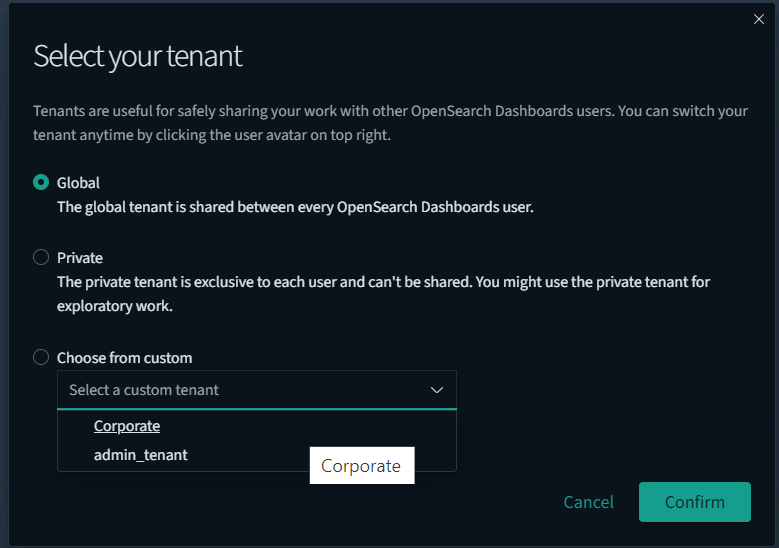
Role-based access control in OpenSearch Dashboards is based on the application privileges provided by OpenSearch. This feature enables OpenSearch Dashboards to specify the privileges it wants to grant to users, assign those privileges to users through roles, and authorize users to perform specific actions.
Configuring different roles and their privileges is explained in the role-based access document.
-
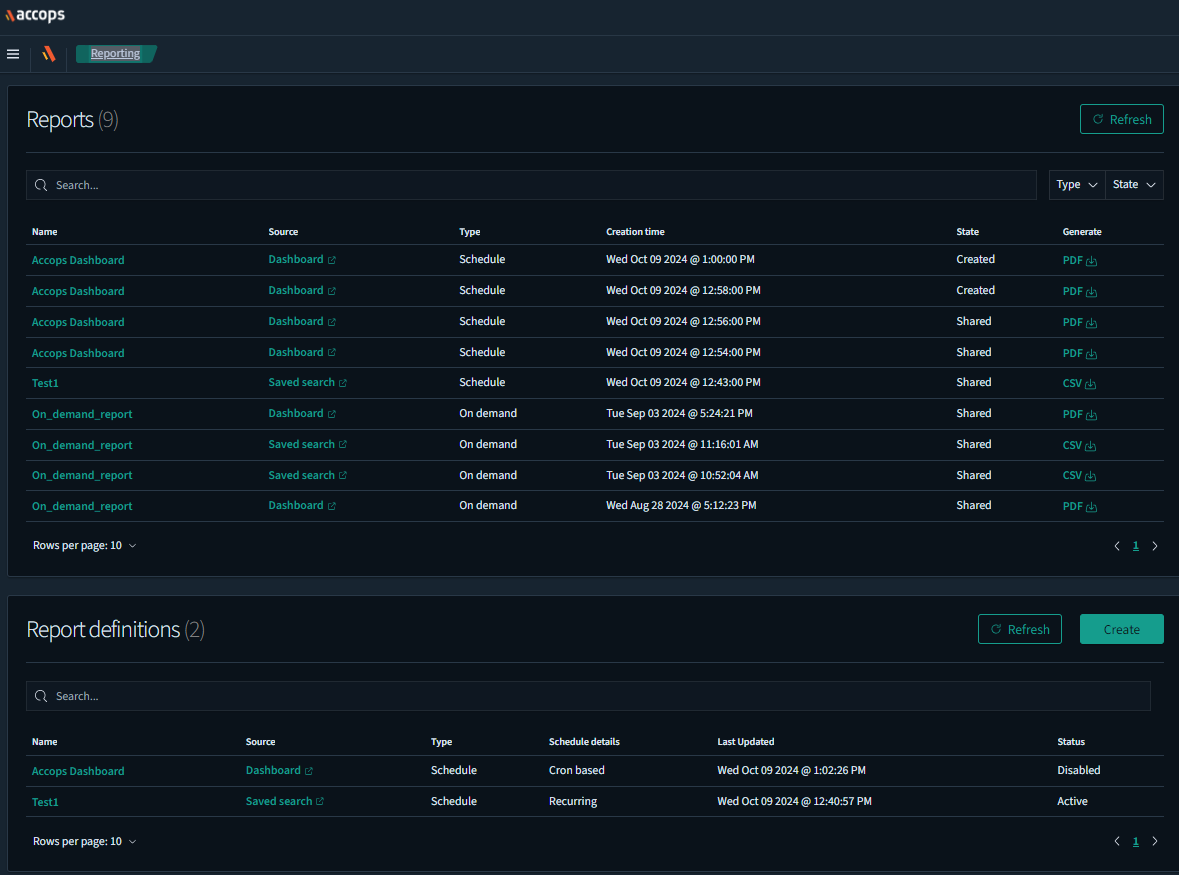
CSV Reports download from the reporting tab
CSV and PDF reports can be downloaded directly from the reporting tab, rather than from the discover/dashboard tab. To do this, you simply need to schedule a report to be generated at the specified time. You can then download the report at any time to meet your requirements.