Post-Incident Logs
The Log Collection Script, integrated into the HySecure Management Console, enables administrators to collect incident-related logs instantly without using external scripts. This enhancement streamlines the investigation process, reduces delays, and facilitates faster, more accurate incident analysis.
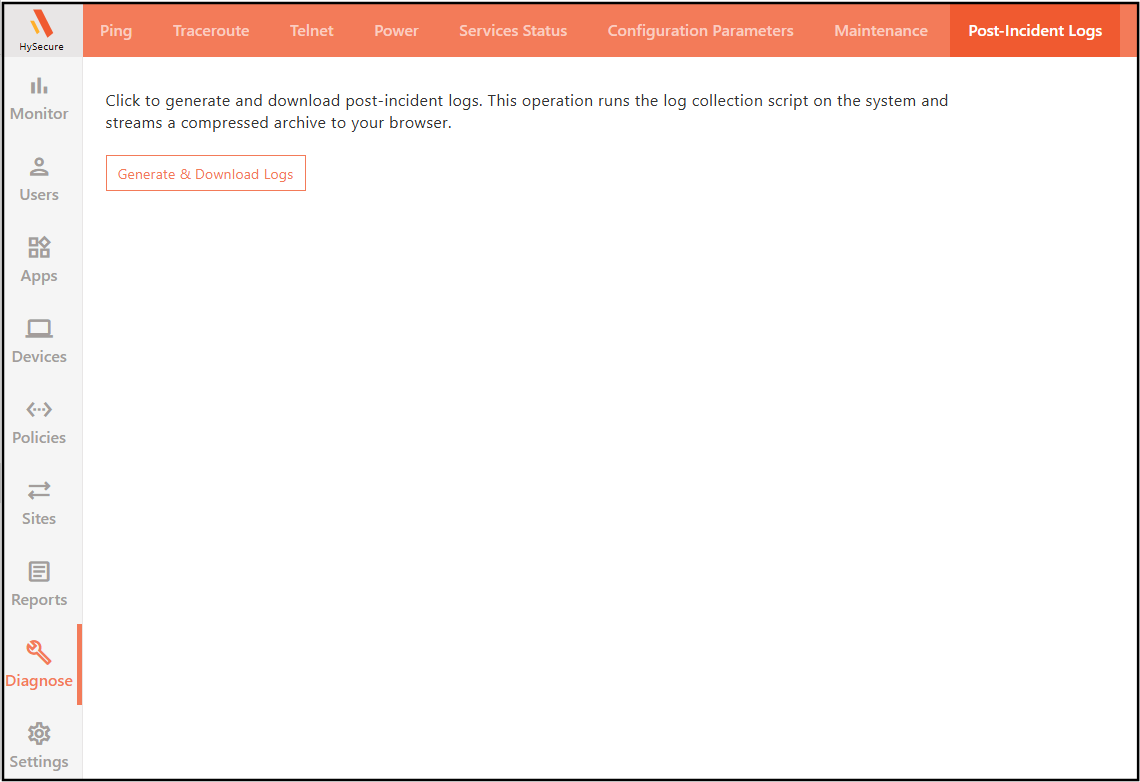
Steps to Configure Logs Collection
-
Log on to the Management console.
-
Navigate to Diagnose > Post-Incident Logs.
-
Click Generate & Download Logs to download incident logs.
Note
The log generation process may take up to 5 minutes.